Top 10 Computer Tower Stand
Last update: 12-07-2026
Best Computer Accessories overall →
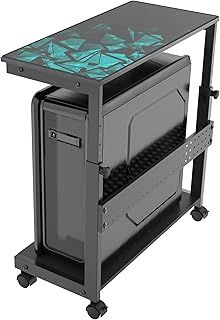
Computer Tower Stand: 3 things to consider before buying
Measure your case width before you buy
A tower stand grips the sides of your case on an adjustable width, and the range differs a lot from model to model. Measure your tower first. If it falls outside the stand's minimum or maximum it will either rock about or not clamp at all, so leave yourself a little room inside the range rather than sitting right at the edge.
Choose between a rolling floor stand and an under-desk mount
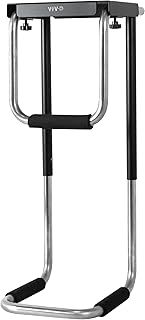
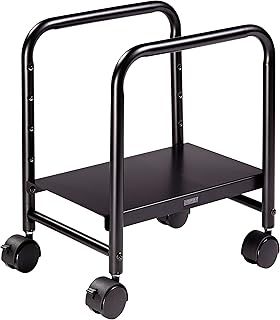
A floor stand on casters lets you wheel the tower out when you need to reach the ports round the back. An under-desk holder bolts the case to the underside of your desk instead, clearing the floor entirely and leaving air free to move round every side of the case. Pick by what you care about more: easy access or a clear floor.
On a rolling stand, check the wheels lock
Casters that swivel a full turn are handy for shifting the tower about, but they also let it drift on an uneven floor. You want at least two of the wheels to have brakes so the machine stays put while you're plugging cables in. It's an easy thing to miss on a spec sheet and an annoying one to live without.
Frequently Asked Questions
Does a computer tower stand actually improve airflow?
How do I know my PC tower will fit the stand?
Is a floor stand or an under-desk CPU holder better?
How much weight can a tower stand hold?
Do the caster wheels lock so the PC doesn't roll away?
Will a stand keep my PC cleaner?
Do I need a stand if my PC sits on a hard floor?
Are tower stands hard to assemble?
Your complete guide to Computer Tower Stand
Why a tower stand is worth it, and when it isn't
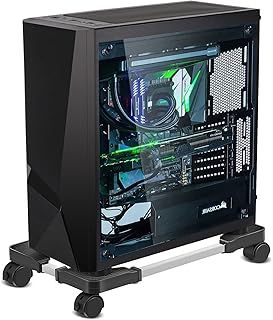
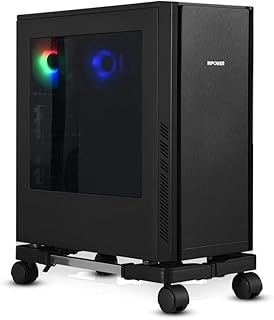
A computer tower stand isn't an essential accessory. It earns its keep in specific setups, and the big one is carpet. Even low-pile carpet can partly cover a case's bottom vents, and thick carpet chokes bottom-mounted intake fans and the PSU, because the case's own feet usually aren't tall enough to hold a proper air gap. A stand lifts the tower a couple of inches clear of all that. On casters the base can sit around four inches off the floor, which keeps the vents breathing even on a deep pile. Raising the PC also gets it up out of the floor-level dust, pet hair and the occasional spilt drink, so the intake air stays cleaner and the dust filters need doing less often. None of this matters much if your PC already sits on a hard floor or on a desk with decent clearance underneath. In that case a stand is a nice-to-have, not a fix.
Floor stand or under-desk holder
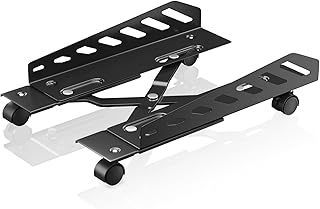
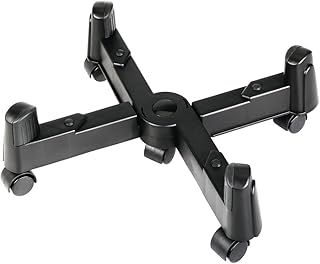
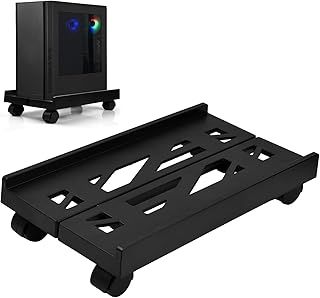
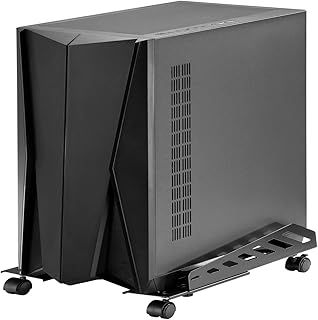
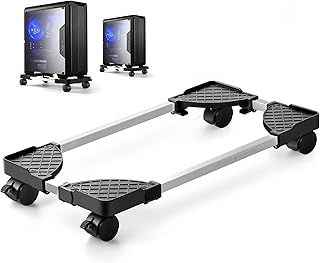
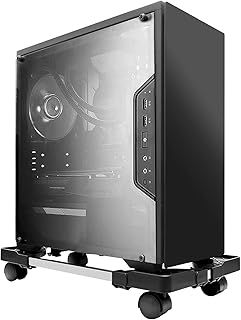
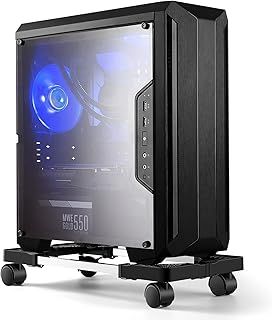
There are two sensible choices and they solve different problems. A rolling floor stand cradles the tower in an adjustable frame on four caster wheels, so you can pull the machine out to reach the rear ports and push it back against the wall or under the desk afterwards. An under-desk mount straps or bolts the case to the underside of your desktop, which clears the floor completely and leaves the case open to air on every side. The trade-off is straightforward. Floor stands are easier to fit and easier to move around. Under-desk mounts win on space and airflow, but they need a sturdy desk and a bit more effort to install. Whichever you go for beats standing the tower straight on the carpet, which is the worst option of the lot.
Getting the fit right
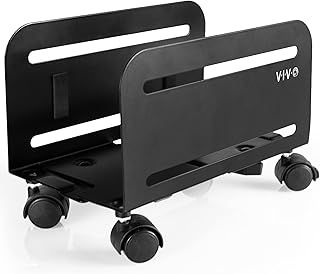
This is where most buyers come unstuck. A stand holds the tower by clamping its sides, and the adjustable range differs by model, so a stand that fits a slim mid-tower may not open wide enough for a fat full-tower. The VIVO steel rolling stand here adjusts from 4.7 to 8.2 inches, which covers most mid-towers. The Hama floor stand takes cases up to 25.5cm, a shade over 10 inches. Before you buy, measure the width of your own case and confirm it lands inside that range with a little slack, so the clamp actually grips rather than sitting at full stretch. It's also worth checking the maker's stated load rating and not buying right at the limit, because a loaded full-tower with a hefty PSU and a stack of drives weighs more than you'd guess.
Wheels, brakes and build
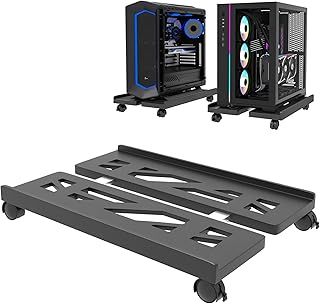
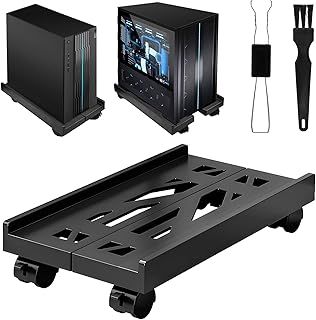
On a rolling stand the caster setup matters more than it looks. Wheels that swivel a full turn let you move the tower in any direction, but you want at least two of them to lock so the machine doesn't creep across an uneven floor while you're cabling it up. As for build, steel frames with ABS feet or clamps are the norm and give you the stability you want under a heavy case. A vented or open base helps if your case pulls air in through the side or bottom, since a solid platform underneath can undo the clearance you just paid for. It's worth a look at the underside of the stand before you commit.
What to expect on temperatures
Don't expect miracles. Moving a tower off carpet onto a raised, ventilated stand tends to shave a few degrees off the CPU and GPU rather than transform them, and most of that comes from cleaner intake air and unblocked bottom fans rather than the stand doing anything clever. Modern cases with dust filters already cut down the grime, but those filters still need cleaning, and a PC sitting on the floor will need it more often than one that's raised up. If your temperatures are already fine and your floor is hard, treat a stand as a tidiness and access convenience, not a cooling upgrade.